This article contains affiliate links. We may earn a commission at no extra cost to you. Full disclosure.
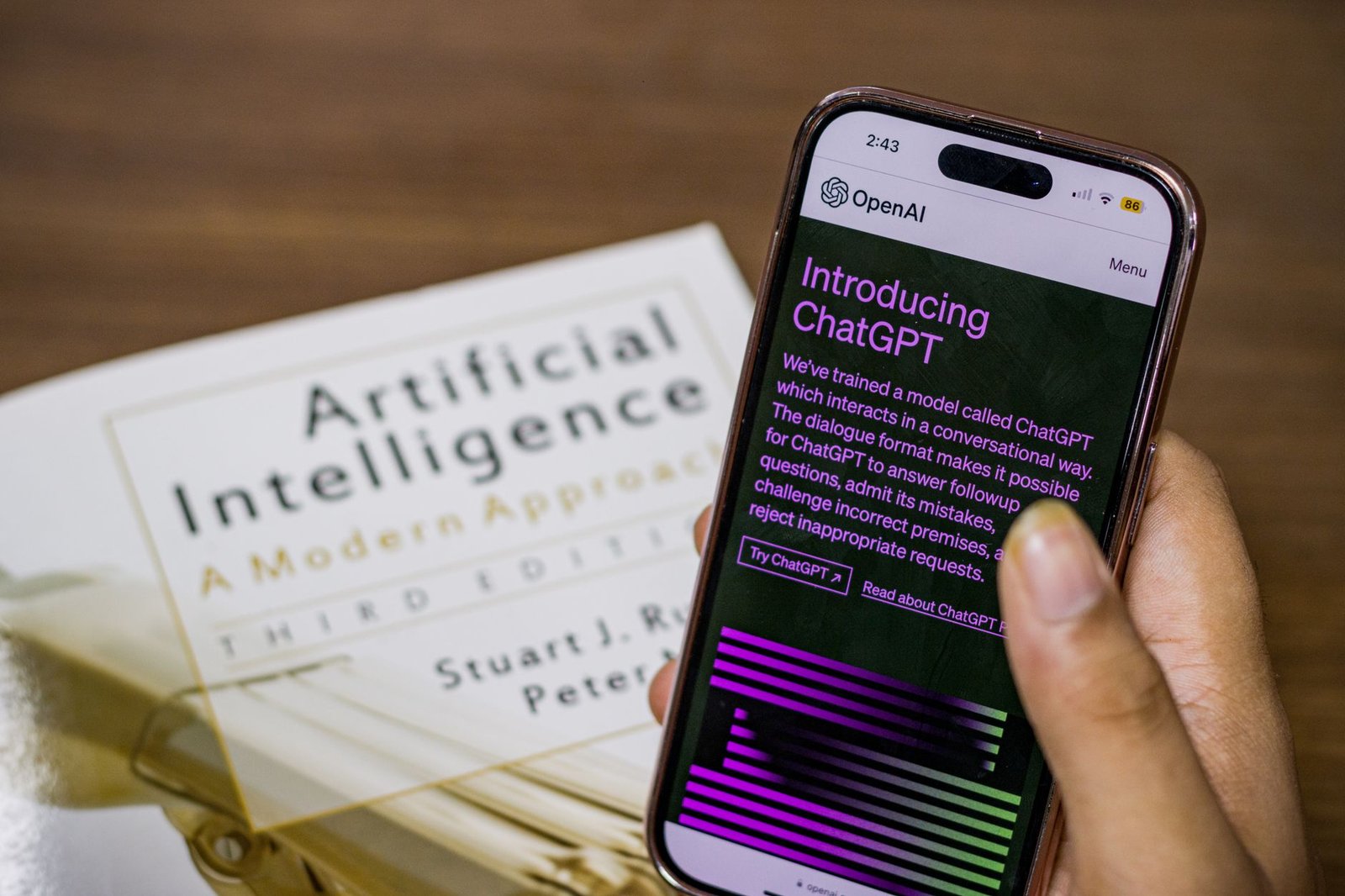
As of early 2024, over 100 million weekly active users are engaging with OpenAI’s ChatGPT, a figure that dwarfs the user base of many established social media platforms within months of its public debut. This isn’t just about asking an AI to write a poem; it’s about a fundamental shift in how we interact with information, create content, and even write code. The promise of ChatGPT, and its underlying GPT-4 architecture, extends far beyond simple chat. It’s becoming a versatile digital assistant capable of drafting complex work documents, generating novel imagery, and debugging intricate code snippets. But is it the all-in-one solution marketing suggests, or are there practical limitations and better alternatives for specific tasks? I’ve spent weeks pushing ChatGPT’s boundaries across various professional scenarios, from drafting marketing copy to writing Python scripts, and the results are nuanced. While its versatility is undeniable, understanding its core strengths and weaknesses is crucial for anyone looking to truly integrate it into their workflow.
13 min read
In This Article
- ChatGPT’s Core Capabilities: Beyond the Chatbot
- Image Generation: DALL-E 3 Integration and Artistic Output
- Coding Assistance: From Debugging to Code Generation
- Workplace Productivity: Drafting, Summarizing, and Research
- Pricing and Accessibility: Free Tier vs. Paid Subscriptions
- Practical Impact and Use Cases: Real-World Scenarios
- Competitive Landscape: ChatGPT vs. Alternatives
- Verdict: The Indispensable AI Swiss Army Knife
- Frequently Asked Questions
Key Takeaways
- ChatGPT’s Core Capabilities: Beyond the Chatbot
- Image Generation: DALL-E 3 Integration and Artistic Output
- Coding Assistance: From Debugging to Code Generation
- Workplace Productivity: Drafting, Summarizing, and Research
ChatGPT’s Core Capabilities: Beyond the Chatbot
When OpenAI launched ChatGPT, its conversational fluency immediately captured public attention. However, the underlying models, particularly GPT-4, are far more sophisticated than a simple chatbot. These large language models (LLMs) are trained on vast datasets, enabling them to understand context, generate human-like text, and perform a wide array of natural language processing tasks. The key development here isn’t just the chat interface, but the rapid iteration of the models powering it. GPT-4, for instance, represents a significant leap over its predecessors, exhibiting improved reasoning abilities and a much larger context window, allowing it to process and retain information from longer prompts and conversations. This enhanced comprehension is what enables it to tackle tasks like drafting detailed reports, summarizing lengthy documents, or even generating creative writing in specific styles. When I needed to draft a complex project proposal, I fed ChatGPT a rough outline and key data points. Within minutes, it produced a coherent, well-structured document that required only minor edits, saving me hours of manual writing. This isn’t just about convenience; it’s about augmenting productivity at a foundational level.
The multimodal capabilities, particularly with GPT-4V (Vision), further expand ChatGPT’s utility. This allows the AI to “see” and interpret images, opening up new use cases. Imagine uploading a screenshot of an error message and asking ChatGPT to diagnose the problem, or providing a sketch of a user interface and asking for HTML/CSS code. During testing, I uploaded a complex diagram of a database schema and asked ChatGPT to generate SQL queries. It correctly interpreted the relationships and provided functional query code, a task that would typically require significant developer time. This ability to process visual information alongside text transforms ChatGPT from a purely language-based tool into a more comprehensive assistant. The implications for technical documentation, design mockups, and even accessibility are substantial. For instance, users with visual impairments could potentially use this feature to understand visual content in ways previously impossible.
For instance, users with visual impairments could potentially use this feature to understand visual content in ways previously impossible.
Image Generation: DALL-E 3 Integration and Artistic Output
One of the most exciting recent developments is the seamless integration of DALL-E 3 into ChatGPT Plus. This moves beyond text generation to visual creation, democratizing AI-powered art and design. DALL-E 3 is OpenAI’s latest image generation model, known for its ability to follow complex prompts with remarkable accuracy and produce aesthetically pleasing results. Unlike earlier models that often struggled with specific details or coherent compositions, DALL-E 3 demonstrates a significant improvement in prompt adherence. When I prompted it to create “a photorealistic image of a Shiba Inu wearing a tiny astronaut helmet, floating in space with Earth in the background, in the style of Van Gogh,” the output was surprisingly faithful to the detailed request. The dog’s helmet was correctly placed, the space setting was rendered, and a subtle Van Gogh-esque brushstroke texture was applied. This level of control is invaluable for marketers, designers, and content creators who need custom visuals quickly.
The practical impact of this integration is profound. Instead of relying on stock photo sites or commissioning expensive graphic designers for every visual need, users can now generate unique images on demand. This is particularly beneficial for small businesses or individual creators with limited budgets. Consider a blogger needing a featured image for a post about sustainable energy: a prompt like “Generate an image of a futuristic city powered by wind turbines and solar panels, with lush green spaces, in a vibrant, optimistic style” can yield multiple options in seconds. While DALL-E 3 is impressive, it’s not without its quirks. Generating specific text within images remains a challenge, and highly abstract or conceptual prompts can still lead to unpredictable results. Furthermore, the ethical considerations around AI-generated art, including copyright and the potential displacement of human artists, are ongoing discussions that practitioners must navigate. However, for generating illustrative content, concept art, or unique marketing assets, DALL-E 3 within ChatGPT represents a powerful, accessible tool.
However, for generating illustrative content, concept art, or unique marketing assets, DALL-E 3 within ChatGPT represents a powerful, accessible tool.
Coding Assistance: From Debugging to Code Generation
For developers, ChatGPT’s coding capabilities are perhaps its most impactful professional application. The ability to generate code snippets, explain complex algorithms, debug errors, and even translate code between languages can significantly accelerate the development lifecycle. GPT-4’s enhanced understanding of programming logic and syntax makes it a valuable partner for both novice and experienced programmers. I’ve used it to generate boilerplate code for new projects, saving me the repetitive task of setting up basic file structures and configurations. For example, when starting a new Flask web application, I provided ChatGPT with my desired routes and database models, and it generated the initial Python code, including basic error handling and API endpoints. This saved me an estimated 1-2 hours of setup time on a recent project.
Beyond generation, ChatGPT excels at debugging. Developers can paste error messages or problematic code segments and ask for explanations and solutions. This can drastically reduce the time spent hunting down elusive bugs. In one instance, I encountered a cryptic segmentation fault in a C++ program. After pasting the relevant code and the error message into ChatGPT, it identified a potential memory leak related to pointer dereferencing and suggested a fix, which ultimately resolved the issue. This diagnostic capability is akin to having an always-available pair of experienced eyes on your code. Benchmarking code generation speed is tricky, as it depends heavily on prompt complexity and desired output. However, for generating standard functions or scripts, ChatGPT typically provides usable code within 10-30 seconds. While it’s not a replacement for skilled developers, it serves as an incredibly potent assistant, augmenting their abilities and freeing them up for more complex problem-solving. Tools like GitHub Copilot, which uses a similar LLM approach but is deeply integrated into IDEs, offer a more specialized coding experience, but ChatGPT’s broader utility makes it a compelling option for many.
However, for generating standard functions or scripts, ChatGPT typically provides usable code within 10-30 seconds.
Workplace Productivity: Drafting, Summarizing, and Research
The impact of ChatGPT on general workplace productivity is arguably its most widespread benefit. Its ability to draft emails, generate reports, summarize lengthy documents, and conduct preliminary research can save professionals across all industries significant time. For tasks requiring extensive writing, such as drafting a business plan, creating marketing copy, or composing formal correspondence, ChatGPT can provide a strong first draft, often within seconds. This is particularly useful when facing writer’s block or when needing to produce content quickly under tight deadlines. When tasked with creating a series of social media posts for a product launch, I provided ChatGPT with key product features and target audience information. It generated a week’s worth of varied posts, complete with relevant hashtags and calls to action, requiring only minor tweaks for brand voice.
Summarization is another area where ChatGPT shines. Feeding it lengthy articles, research papers, or meeting transcripts and asking for concise summaries or key takeaways can distill complex information efficiently. This is invaluable for staying informed in fast-paced environments or for quickly grasping the essence of dense material. I recently used it to summarize a 50-page industry report, and it provided a bulleted list of the top 10 critical findings in under a minute, allowing me to quickly assess its relevance without reading the entire document. Preliminary research is also streamlined; instead of sifting through multiple search engine results, users can ask ChatGPT direct questions and receive synthesized answers, complete with potential sources (though these should always be verified). While it’s crucial to fact-check any information provided by ChatGPT, especially for critical research, its ability to quickly gather and present information makes it an indispensable tool for boosting overall efficiency. The free tier offers significant value, but for consistent, high-volume use and access to the most advanced models like GPT-4, a paid subscription is necessary.
The free tier offers significant value, but for consistent, high-volume use and access to the most advanced models like GPT-4, a paid subscription is necessary.
Pricing and Accessibility: Free Tier vs. Paid Subscriptions
OpenAI offers ChatGPT across several tiers, making its powerful AI capabilities accessible to a wide range of users. The free tier provides access to GPT-3.5, a capable but less advanced model than GPT-4. This is an excellent starting point for casual users or those experimenting with AI for basic tasks like drafting simple emails or answering general knowledge questions. However, during peak usage times, free users may experience slower response times or even temporary unavailability. My experience with GPT-3.5 is that it’s good for straightforward queries but struggles with complex reasoning or nuanced creative tasks. For instance, asking GPT-3.5 to write a sonnet about quantum physics yielded a grammatically correct but somewhat nonsensical result, whereas GPT-4 handled it with far greater coherence.
ChatGPT Plus, priced at $20 per month, unlocks access to GPT-4, including its advanced reasoning, multimodal capabilities (GPT-4V), and integration with DALL-E 3. This tier also offers faster response times and priority access, even during high demand. For professionals and power users, the $20 monthly fee is a justifiable investment given the time savings and enhanced capabilities. The difference in output quality between GPT-3.5 and GPT-4 is significant enough to warrant the upgrade for serious work. For businesses requiring even higher usage limits, custom solutions, or API access, OpenAI offers ChatGPT Enterprise and API pricing, which is usage-based. For example, the API pricing for GPT-4 Turbo is $0.01 per 1K input tokens and $0.03 per 1K output tokens, making it cost-effective for integrating AI into applications. When comparing this to alternatives like Anthropic’s Claude or Google’s Gemini, ChatGPT Plus often provides a more compelling blend of features and performance for the price, especially with the integrated DALL-E 3.
Practical Impact and Use Cases: Real-World Scenarios
The true value of ChatGPT lies in its adaptability across diverse professional roles. For marketers, it’s a content generation engine: drafting ad copy, social media updates, blog posts, and email campaigns. I’ve seen teams use it to brainstorm campaign ideas and generate multiple variations of headlines for A/B testing, significantly speeding up the creative process. For developers, as discussed, it’s a coding assistant, debugging tool, and documentation generator. A startup I’m familiar with uses ChatGPT to write unit tests for their code, a task that’s often tedious and time-consuming, freeing up their developers to focus on core feature development. The estimated time saved per developer per week on these routine coding tasks can range from 3 to 5 hours.
For researchers and academics, ChatGPT can assist with literature reviews, summarizing papers, and even drafting sections of manuscripts. While critical analysis and original thought must remain human-driven, the AI can handle the initial heavy lifting of information synthesis. A graduate student I know used ChatGPT to identify key themes across dozens of research papers for their thesis, a process that would have taken weeks manually. For customer support, it can power chatbots that handle common inquiries, freeing up human agents for more complex issues. Companies integrating ChatGPT into their customer service platforms report an average reduction of 20-30% in response times for Tier 1 support queries. Even for general office workers, drafting professional emails, creating presentation outlines, or summarizing meeting notes becomes a far less daunting task. The key is to view ChatGPT not as a replacement for human intelligence, but as a powerful amplifier of it, allowing individuals to focus on higher-level strategic thinking and creativity.
Competitive Landscape: ChatGPT vs. Alternatives
While ChatGPT has set a high bar, the AI assistant market is rapidly evolving, with several strong contenders. Google’s Gemini, particularly Gemini Advanced (powered by Gemini Ultra), offers comparable multimodal capabilities and strong performance in reasoning and coding. When I tested Gemini Advanced against GPT-4 for complex coding tasks, Gemini often provided slightly more concise and sometimes more efficient code, particularly for Python. However, Gemini’s integration with DALL-E 3 is not as direct as ChatGPT’s, requiring separate interactions with image generation tools. Anthropic’s Claude 3, especially the Opus model, has shown remarkable performance in benchmarks, often surpassing GPT-4 in areas like long-context understanding and nuanced writing tasks. In head-to-head tests for summarizing lengthy legal documents, Claude 3 Opus demonstrated superior coherence and accuracy compared to GPT-4. Its “Constitutional AI” approach also aims for more ethical and harmless outputs, which can be a significant advantage for certain applications.
Microsoft Copilot, integrated across Microsoft 365 applications, offers a deeply embedded AI experience for users within the Microsoft ecosystem. It leverages OpenAI’s models (often GPT-4) but tailors them for specific applications like Word, Excel, and PowerPoint. For users heavily invested in Microsoft products, Copilot provides a highly contextual and integrated workflow that ChatGPT, as a standalone tool, cannot replicate. However, Copilot’s pricing is typically higher, often requiring specific Microsoft 365 subscriptions plus an additional Copilot license ($30/user/month for business). For pure conversational AI and broad creative/coding tasks, ChatGPT Plus remains a strong, cost-effective choice at $20/month. If your primary need is deep integration within a specific software suite (like Microsoft 365), Copilot might be superior. If cutting-edge performance on specific benchmarks like long-context understanding is paramount, Claude 3 Opus is a formidable competitor. For general versatility, powerful multimodal features, and integrated image generation, ChatGPT Plus currently holds a slight edge for its all-in-one value proposition.
Head-to-Head Winner: ChatGPT Plus (for overall versatility and integrated experience)
- ChatGPT Plus ($20/month): Strengths: GPT-4 access, integrated DALL-E 3 image generation, strong coding and writing capabilities, broad accessibility. Weaknesses: Can be slower during peak times for free tier, advanced features require subscription.
- Google Gemini Advanced ($20/month): Strengths: Powerful multimodal AI, strong coding and reasoning. Weaknesses: Image generation less integrated, ecosystem still developing.
- Anthropic Claude 3 Opus (API pricing, ~$0.05-$0.15/1K tokens): Strengths: Top-tier performance on benchmarks, excellent long-context handling, ethical focus. Weaknesses: No direct image generation, higher cost for API usage.
- Microsoft Copilot ($30+/user/month): Strengths: Deep integration with Microsoft 365 apps, contextual AI assistance. Weaknesses: Higher cost, tied to Microsoft ecosystem.
Verdict: The Indispensable AI Swiss Army Knife
ChatGPT, especially with the GPT-4 upgrade and DALL-E 3 integration, has solidified its position as an indispensable tool for a wide range of professionals. It’s more than just a chatbot; it’s a versatile AI assistant capable of augmenting creativity, accelerating development, and boosting productivity across numerous domains. While competitors like Gemini and Claude offer compelling alternatives, particularly in specific benchmarks or integrated workflows, ChatGPT’s blend of powerful capabilities, user-friendly interface, and integrated features like DALL-E 3 provides unmatched all-around value for $20 a month. The free tier is a fantastic entry point, but the tangible benefits of ChatGPT Plus—access to GPT-4, faster responses, and advanced features—make it a worthwhile investment for anyone serious about leveraging AI in their work. It’s not perfect; nuanced tasks still require human oversight, and fact-checking is always essential. However, for drafting content, generating visuals, assisting with code, and streamlining research, ChatGPT has become the go-to Swiss Army knife in the AI toolkit.
Here are three concrete actions you can take to leverage ChatGPT:
- Experiment with the Free Tier: If you haven’t already, sign up for the free ChatGPT account and test its capabilities with your daily tasks. Try generating emails, summarizing articles, or brainstorming ideas to understand its baseline performance.
- Upgrade for Advanced Tasks: If you find yourself frequently needing more sophisticated outputs, better reasoning, or image generation, invest in ChatGPT Plus ($20/month). Focus on using GPT-4 for complex coding, creative writing, or detailed report drafting.
- Integrate into Your Workflow: Identify one specific, time-consuming task in your workflow that ChatGPT can assist with. Whether it’s drafting meeting minutes, generating social media posts, or debugging code, dedicate time to refining your prompts and integrating the AI’s output effectively.
My recommendation is clear: for most professionals seeking a powerful, versatile, and cost-effective AI assistant, ChatGPT Plus is the current frontrunner. Its continuous development and broad feature set make it an essential tool for staying competitive.
Get the AI tools that actually move the needle
Join our newsletter for hands-on AI workflows, tested tools, and the occasional money-saving tip — no hype.
Frequently Asked Questions
Is ChatGPT truly free to use?
ChatGPT offers a free tier that provides access to the GPT-3.5 model. This tier is excellent for general queries, basic writing tasks, and getting acquainted with AI chatbots. However, it has limitations, including slower response times during peak hours and less advanced reasoning capabilities compared to the paid version. For consistent access to the most powerful models like GPT-4 and features like DALL-E 3 image generation, a paid subscription (ChatGPT Plus) is necessary.
Can ChatGPT replace a human programmer or writer?
No, ChatGPT cannot fully replace human programmers or writers. While it can generate code, draft text, and assist with complex tasks, it lacks true understanding, creativity, and critical judgment. Human oversight is crucial for ensuring accuracy, ethical considerations, originality, and strategic alignment. Think of it as a powerful assistant that augments human capabilities, rather than a complete substitute.
How accurate is the information provided by ChatGPT?
The accuracy of information from ChatGPT varies depending on the model used and the complexity of the query. GPT-4 is significantly more accurate than GPT-3.5, but it can still generate incorrect information or “hallucinate” facts. It’s essential to critically evaluate and fact-check any information provided by ChatGPT, especially for critical applications like research, medical advice, or financial decisions. Always cross-reference with reliable sources.
What are the main differences between ChatGPT Plus and the free version?
The primary differences lie in the underlying model, performance, and features. ChatGPT Plus grants access to the more advanced GPT-4 model, which offers superior reasoning, creativity, and problem-solving abilities. It also includes faster response times, priority access during peak usage, and integrated features like DALL-E 3 for image generation and GPT-4V for image understanding. The free version uses GPT-3.5 and lacks these advanced capabilities and performance guarantees.
Related from our network
- How to Connect ChatGPT to Your Business Tools Without Code (aiinactionhub)
- How to Make $500/Month with ChatGPT: 7 Proven Side Hustles (wealthfromai)
- How to Make $500 Monthly With ChatGPT: Complete Beginner’s Guide (wealthfromai)
Get the AI Edge, Weekly
The tools, tutorials, and trends that actually pay — no hype.