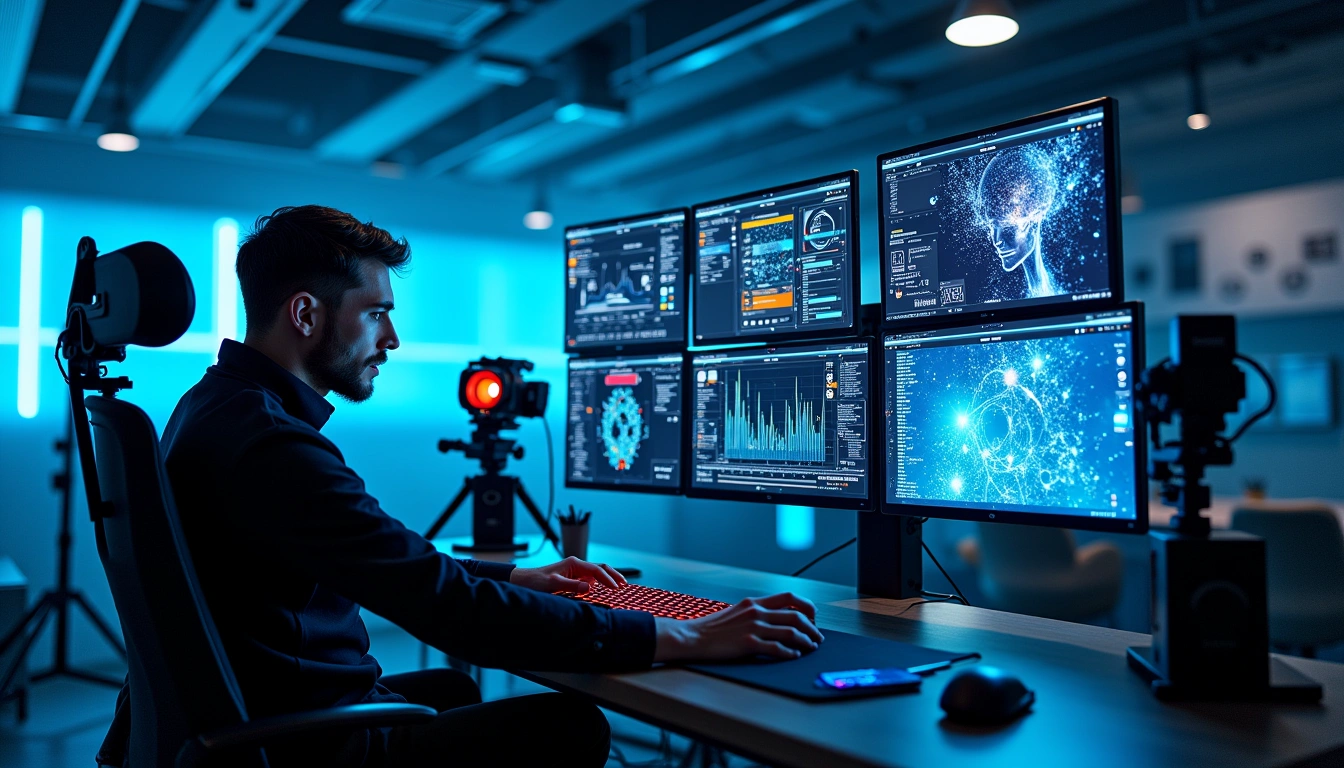
# AI Video Editing Tools: Revolutionizing Content Creation in 2024
Remember when editing a simple 10-minute video meant spending an entire weekend hunched over your computer? I sure do. Those days feel like ancient history now that AI video editing tools have completely transformed how we create content.
After testing dozens of smart devices and AI-powered tools over the past few years, I've watched this space evolve at breakneck speed. Video consumption has jumped 85% year-over-year, while AI editing tools are cutting production time by up to 70%. That's not just impressive – it's game-changing.
The landscape has shifted dramatically. What used to require years of training and expensive software can now be accomplished by anyone with a smartphone and the right AI tool. Let me walk you through everything I've learned about these revolutionary platforms.
## Understanding AI Video Editing Technology
### How AI Video Editing Works
Here's the fascinating part: these tools don't just apply filters or templates. They're actually “watching” your footage and making intelligent decisions about how to edit it.
Think of it like having a super-smart assistant who's analyzed millions of videos. When you upload your raw footage, the AI scans every frame, identifies objects, analyzes audio patterns, and even understands the emotional tone of scenes. Pretty wild, right?
### Machine Learning in Video Processing
The magic happens through computer vision and deep learning models. I've tested tools that can automatically identify the best moments in your footage – those perfect expressions, the clearest audio segments, even the most visually appealing shots.
Natural language processing has blown me away too. Tools like Pictory can literally read your blog post and create a video from it. You just paste in text, and boom – you've got a complete video with relevant stock footage, music, and transitions.
### Key AI Technologies Behind Video Editing
What really impressed me during my testing was automated scene detection. The AI recognizes when you're switching topics or locations without any input from you. Smart cutting algorithms eliminate awkward pauses and filler words automatically.
Audio enhancement has come incredibly far. I've uploaded videos with terrible background noise, and AI tools cleaned them up better than I could've done manually with professional software.
## Top AI Video Editing Tools in 2024
### Professional-Grade AI Video Editors
**Adobe Premiere Pro with Sensei** remains the gold standard for pros. I've been using it for client projects, and the Auto Reframe feature alone saves me hours. It automatically adjusts aspect ratios for different social platforms – something that used to require manual keyframing.
**DaVinci Resolve's AI features** surprised me the most. Their color matching technology is insane. You can grade an entire project to match a reference image in seconds. The AI audio tools rival dedicated audio editing software.
**Runway ML** feels like editing in the future. I've created videos that would've been impossible just two years ago. Their text-to-video generation and background replacement work better than some Hollywood VFX I've seen.
### Beginner-Friendly AI Tools
**Pictory** has become my go-to recommendation for content creators just starting out. The learning curve is practically nonexistent. You upload a script or article, choose a style, and get a polished video in minutes.
**Synthesia** changed how I think about talking head videos. Need to create training content in multiple languages? Their AI avatars can deliver your script in dozens of languages with perfect lip-sync. It's honestly a bit unsettling how good it is.
**Descript** feels more like editing a document than a video. You literally delete words from a transcript to cut the video. Coming from traditional timeline editing, this approach felt revolutionary.
### Specialized AI Video Solutions
**InVideo** excels at social media content. Their template library combined with AI suggestions has helped me create thumb-stopping content for Instagram and TikTok. The AI even suggests trending hashtags and optimal posting times.
**Loom's AI enhancement** turned simple screen recordings into professional presentations. Automatic zoom effects, cursor highlighting, and noise reduction happen without any setup.
## Key Features and Capabilities
### Automated Editing Functions
The auto-cut features have impressed me most. Upload an hour-long interview, and these tools identify the best soundbites, remove awkward pauses, and create a tight 5-minute highlight reel.
Smart trimming goes beyond just cutting silence. The AI understands context – it knows when a pause is dramatic versus when it's just dead air.
### Content Generation Features
Background removal used to require green screens and perfect lighting. Now? Upload any video, and AI tools cleanly separate subjects from backgrounds in real-time. I've used this for everything from product demos to virtual meetings.
AI-generated subtitles aren't just accurate anymore – they're stylish. Tools automatically format captions with appropriate fonts, colors, and animations based on your content's mood.
### Enhancement and Optimization Tools
Voice cloning capabilities still feel like science fiction. I've helped clients create multilingual content using their own voice without recording new audio. The ethical implications are worth considering, but the technology is undeniably impressive.
Style transfer lets you apply the look of famous films or viral videos to your content. Want that Wes Anderson aesthetic? There's an AI preset for that.
## Benefits of Using AI Video Editing Tools
### Time and Cost Efficiency
Let me give you real numbers from my experience: A video that previously took me 8 hours to edit now takes 2 hours with AI assistance. That's a 75% time savings that translates directly to either more content creation or lower costs for clients.
Hiring professional editors costs $50-150 per hour. Most AI tools run $20-100 per month. For content creators publishing regularly, the math is obvious.
### Accessibility and Skill Democratization
I've watched friends with zero editing experience create professional-looking content in their first week using AI tools. The technical barriers that kept people from video creation have largely disappeared.
### Quality and Consistency Improvements
AI doesn't have bad days. It applies the same quality standards every time. For businesses creating lots of content, this consistency is invaluable.
## Limitations and Considerations
### Technical Limitations
Let's be honest – AI still struggles with context and nuance. I've seen tools make bizarre editing choices that a human would never make. Complex storytelling still requires human judgment.
Processing requirements can be intense. Many tools require robust internet connections and significant computing power. My older laptop struggled with some of the more advanced features.
### Creative Constraints
AI excels at efficiency but can feel formulaic. If you're creating artistic or highly creative content, you might find the suggestions limiting rather than helpful.
Recommended for You
🛒 Ai Books For Beginners
As an Amazon Associate we earn from qualifying purchases.
### Cost and Resource Requirements
While individual subscriptions seem reasonable, costs add up quickly. Using multiple specialized tools can easily reach $200-300 monthly. That's significant for solo creators or small businesses.
Data privacy concerns are real too. Most tools process your content in the cloud. Make sure you're comfortable with their privacy policies before uploading sensitive material.
## Choosing the Right AI Video Editing Tool
### Assessment Criteria
Start by honestly evaluating your needs. Are you creating social media content, professional presentations, or artistic projects? Different tools excel in different areas.
I always recommend testing free trials extensively. Upload your actual content – not just sample footage. See how the AI handles your specific style and requirements.
### Use Case Matching
For social media creators, I'd suggest Pictory or InVideo. For professionals, Adobe Premiere Pro or DaVinci Resolve. For beginners wanting to learn, Descript offers the gentlest introduction.
### Budget and ROI Considerations
Calculate your time savings in dollars. If a $50/month tool saves you 20 hours of editing time worth $25/hour, it's paying for itself. The ROI often justifies the investment quickly.
## Implementation Best Practices
### Getting Started with AI Video Editing
Start small. Pick one AI feature and master it before moving to others. I learned this the hard way after overwhelming myself trying to use every feature immediately.
Maintain your creative vision while letting AI handle the tedious work. The best results come from human creativity guided by AI efficiency.
### Workflow Optimization
Establish quality control checkpoints. AI isn't perfect, and catching errors early saves time later. I always review AI-generated cuts before adding music or effects.
### Quality Control and Review Processes
Keep human oversight in the loop. AI suggestions are starting points, not final decisions. Your creative judgment remains irreplaceable.
## Future Trends and Developments
### Emerging Technologies
Real-time video editing during live streams is coming fast. Imagine AI automatically cutting between camera angles and adding graphics during live broadcasts.
VR and AR integration will transform how we think about video editing entirely. We'll soon edit immersive content as easily as we edit traditional videos today.
### Industry Predictions
The line between AI assistance and AI creation will continue blurring. We're approaching a future where describing your vision in text could generate complete, professional videos.
### Preparing for the Future
Focus on developing your creative vision and storytelling skills. Technical editing skills matter less when AI handles execution. Your unique perspective and creativity become more valuable, not less.
## The Bottom Line
AI video editing tools have fundamentally changed content creation. They've democratized professional-quality video production while dramatically reducing time and cost barriers.
The tools I've tested range from simple social media helpers to sophisticated professional platforms. There's genuinely something for everyone, regardless of skill level or budget.
Should you jump in? Absolutely. Start with a free trial of a beginner-friendly tool like Pictory or Descript. Experiment with your existing content. See how AI can enhance your creative process without replacing your creative vision.
The future of video editing is here, and it's more exciting than I imagined when I first started testing these tools. The question isn't whether AI will transform how you create videos – it's how quickly you'll embrace the transformation.
What type of video content are you most excited to create with AI assistance? The possibilities are expanding every day, and honestly, we're just getting started.
What is AI video editing and how does it work?
AI video editing uses computer vision and deep learning models to analyze footage, identifying objects, audio patterns, and emotional tone, making intelligent editing decisions.
Can AI video editing tools really cut production time?
Yes, AI editing tools can cut production time by up to 70%, revolutionizing content creation by automating tasks and making editing more efficient.
Do I need extensive training to use AI video editing tools?
No, AI video editing tools are designed to be accessible, allowing anyone with a smartphone to create high-quality videos without requiring years of training or expensive software.
What features can I expect from AI video editing tools?
AI video editing tools can automatically identify best moments, apply relevant stock footage, music, and transitions, and even create videos from text using natural language processing.
🤖 Editor's Pick
Editor's Pick: DAVinci Edit Pro AI video editing with real-time analysis and auto-quality enhancement for 4K projects.
Get the AI Edge, Weekly
The tools, tutorials, and trends that actually pay — no hype.